Free 3D Crypto Icons: 8 Coins in 7 Views, Transparent PNG

This is a free pack of 3D crypto icons from thelegacy: eight coins (Bitcoin, Ethereum, Solana, TRON, Tether, BNB, XRP and Avalanche), each rendered in seven views, 56 images in total. Every image is a 1920 x 1920 px PNG with a transparent background. The pack is shared as one Figma file, you export the PNGs you need with a free Figma account, and you can use them in personal and commercial projects without attribution.
Download link: 3D crypto icons pack in Figma (56 PNGs).
What is in the free 3D crypto icons pack
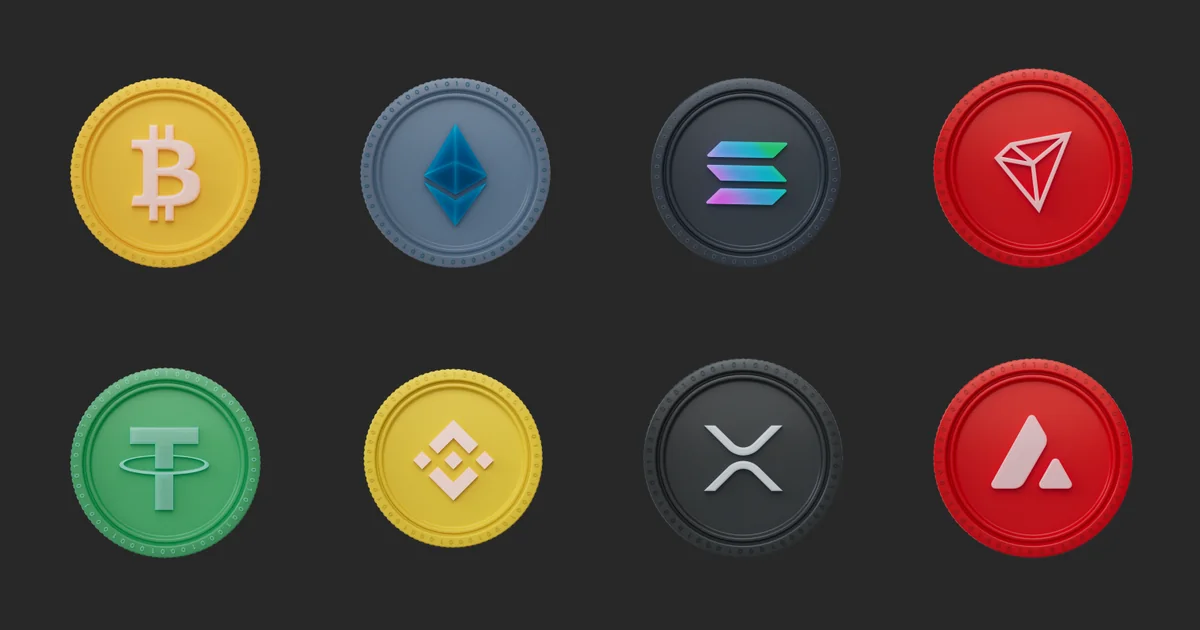
The pack has eight coins and seven views of each. The views run from a straight front view through three-quarter turns to edge-on, plus tilted views of the coin lying at an angle. Each coin has its own colour and a soft matte finish, with the coin’s symbol raised on the face and a ring of tiny binary digits (0 and 1) around the rim.
| Detail | What you get |
|---|---|
| Coins | 8: BTC, ETH, SOL, TRX, USDT, BNB, XRP, AVAX |
| Views per coin | 7: front, three-quarter turns, edge-on, tilted |
| Images in total | 56 |
| Size | 1920 x 1920 px |
| Format | PNG with a transparent background |
| Delivery | One Figma file, one frame (row) per coin |
| 3D source files | Not included |
| Price | Free |
The file holds rendered PNGs only. There are no Cinema 4D (C4D) or other 3D source files, so the angle, lighting and material of each coin are fixed as rendered.
Bitcoin (BTC)
A yellow coin with a light pink Bitcoin symbol.

Ethereum (ETH)
A blue-grey coin with a blue Ethereum symbol. Ether, the network’s token, is listed on exchanges as ETH.

Solana (SOL)
A dark graphite coin with the Solana mark in its cyan-to-purple gradient.

TRON (TRX)
A red coin. The network is TRON and its token trades as TRX, so label the coin TRX in price lists and TRON in network pickers.

Tether (USDT)
A green coin for the US dollar stablecoin. Wallets often list it once per network, and the same icon serves every entry.

BNB (BNB)
A yellow coin for the token of BNB Chain, called Binance Coin in older material.

XRP (XRP)
A dark graphite coin for the token of the XRP Ledger, where the coin and its ticker share one name.

Avalanche (AVAX)
A red coin for the native token of the Avalanche network.

How to download the 3D crypto icons and export PNGs from Figma
- Open the 3D crypto icons Figma file and sign in. A free Figma account is enough to view the file and export from it.
- Find the coin you need. Each coin has its own frame: a row of its seven views.
- Click an icon to select it. To export several at once, hold Shift and click each one.
- In the right panel, go to Export, click + and choose PNG.
- Pick a scale: 1x gives the full 1920 x 1920 px, 0.5x gives 960 px and 0.25x gives 480 px. You can also type a width, such as 256w, for an exact size.
- Click Export. The PNG keeps its transparent background.
There is no point exporting above 1x. The icons are 1920 px images, so 2x only makes a larger file with no extra detail.
Where to use 3D crypto icons, and how to get them right
The icons fit anywhere a coin has to be recognised at a glance: asset lists and deposit screens in exchange and wallet apps, hero sections of landing pages, token and market slides in pitch decks, and social posts about listings or prices. A few practical points:
- Size for UI and for hero images. In an asset list, coin icons usually sit at 24 to 48 px, where the embossed symbol and the highlights start to blur. Test the front view at the real size before you ship; below about 32 px a flat logo may read better. Bitcoin and BNB are both yellow, and TRON and Avalanche both red, so at small sizes print the ticker next to the icon. For a hero image, export at about twice the displayed size so the coin stays sharp on high-density screens.
- Dark and light backgrounds. A transparent PNG drops onto any colour, but check the contrast coin by coin. The dark graphite Solana and XRP coins lose their edge on near-black backgrounds, and the yellow Bitcoin and BNB coins on white; a soft shadow or a slightly lighter or darker panel behind the coin fixes it.
- Compress for the web. A 1920 px PNG is much heavier than a web page needs. Export close to the display size, then convert to WebP, which keeps the transparency in a much smaller file. AVIF works too.
- One angle per screen. Use the same view for every coin in a list or grid, or the row looks uneven. Save the tilted and edge-on views for compositions, such as a hero with coins at different depths.
- Pitch decks. Transparent PNGs go straight into Keynote, PowerPoint or Google Slides and stay sharp at any size a slide allows.
- Alt text. On a website, give each icon a short alt such as “Bitcoin coin”, or an empty alt when the coin name is already printed next to it.
Terms of use for the free 3D crypto icons
- You can use the icons in personal and commercial projects, including work for clients.
- No attribution is required. A link to thelegacy.agency is appreciated.
- Do not resell or redistribute the icons on their own, for example as an icon pack or as stock assets.
Who made the icons: thelegacy and 3D design
thelegacy is an independent design studio, working since 2012 for crypto, fintech, web3 and tech companies. We do brand identity, websites, UX/UI, mobile apps, pitch decks, and 3D graphics and motion design.
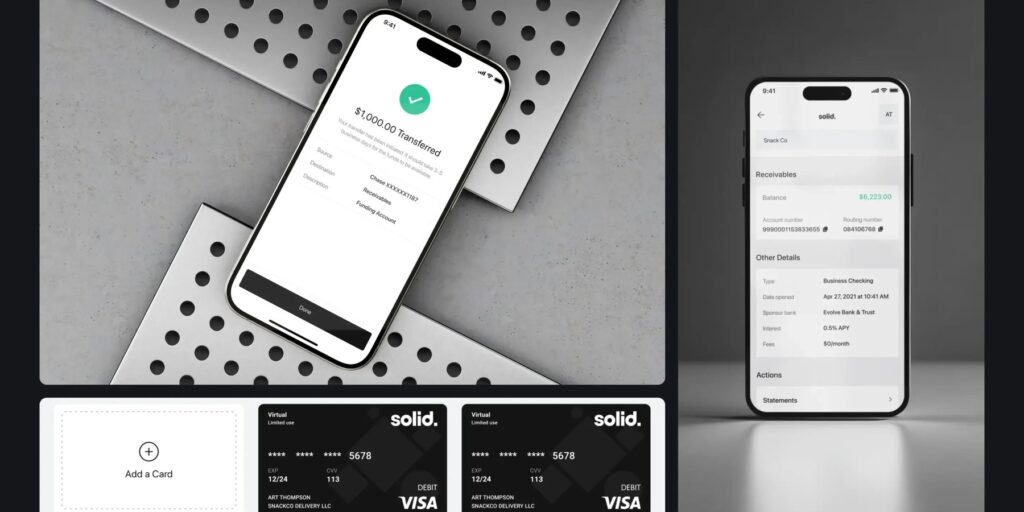
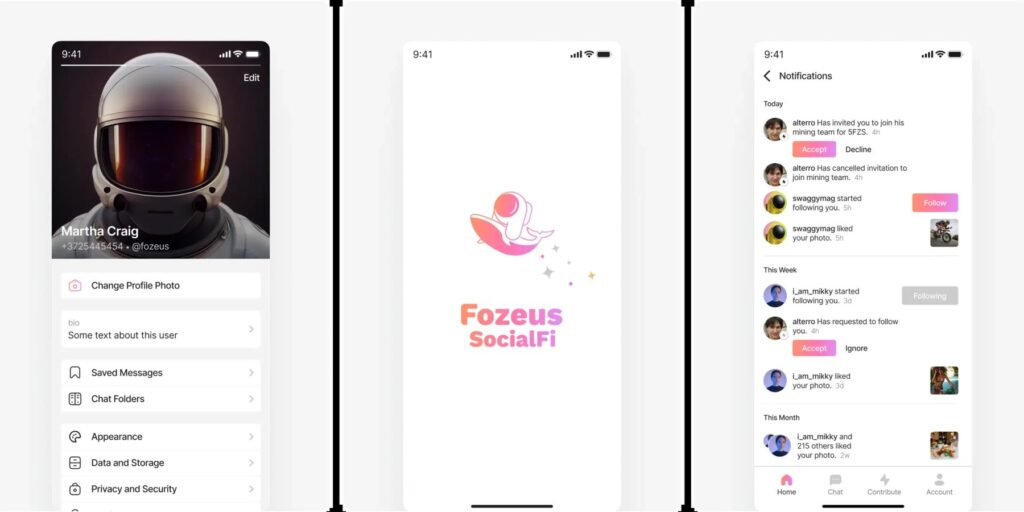
Some of our 3D work for clients: for Skynet Trading, a market maker for digital assets, we rendered the logo cube and the trading infrastructure. For Qube we made 3D renders of glass cubes, a rocket and the token coin; for the Flex decentralized exchange, iridescent 3D glass objects; for the Optix options protocol, 3D renders for staking, boosting and voting. For Fozeus SocialFi we designed a series of 3D NFT characters, generated in the thousands.
If you need coins for your own token, or a set in your brand’s colours and materials, tell us about the project. More of our work is in the portfolio.
Key takeaways
- thelegacy's free 3D crypto icon pack has 56 images: eight coins (Bitcoin, Ethereum, Solana, TRON, Tether, BNB, XRP and Avalanche), each in seven views from front to edge-on.
- Every icon is a 1920 x 1920 px PNG with a transparent background; the pack contains no C4D or other 3D source files.
- The icons are shared as one Figma file: select an icon, add a PNG export in the right panel and pick 1x for full size or a smaller scale; a free Figma account is enough.
- The icons are free for personal and commercial projects, including client work, and need no attribution, but they may not be resold or redistributed on their own as an icon pack or stock assets.
- For the web, export the icons close to their display size, convert them to WebP and use the same view for every coin on one screen.
Frequently asked questions
What is included in the free 3D crypto icon pack?
56 images: eight coins (Bitcoin, Ethereum, Solana, TRON, Tether, BNB, XRP and Avalanche), each in seven views from the front view to edge-on. Every image is a 1920 x 1920 px PNG with a transparent background.
How do I download the 3D crypto icons as PNG files?
Open the Figma file linked in the article, select one or more icons and, in the right panel, add an Export setting in PNG. At 1x you get the full 1920 px, and 0.5x or 0.25x gives smaller files. A free Figma account is enough.
Can I use the icons in commercial or client projects?
Yes. The icons are free for personal and commercial projects, including client work, and no attribution is required. You may not resell or redistribute them on their own as an icon pack or as stock assets.
Does the pack include C4D or other 3D source files?
No. The Figma file contains rendered PNG images only, so the angle, lighting and material of each coin are fixed.
What size should a 3D coin icon be in an app or on a website?
Export it close to the size it is shown at: asset lists usually use 24 to 48 px, while a hero image should be about twice its displayed size to stay sharp on high-density screens. Convert the PNG to WebP for the web to keep the transparency in a smaller file.