ARUS
ARUS, short for Authorized Realtime User Swap, is a crypto wallet and exchange created to make micro cash transfers easier, faster and cheaper than other transfer services.
UX/UI for the mobile app, from onboarding, seed phrase and backup to balances, transfers, invoices and a map of exchange points, and the product website, in white, graphite and acid lime.
Crypto wallet and exchange for small cash transfers
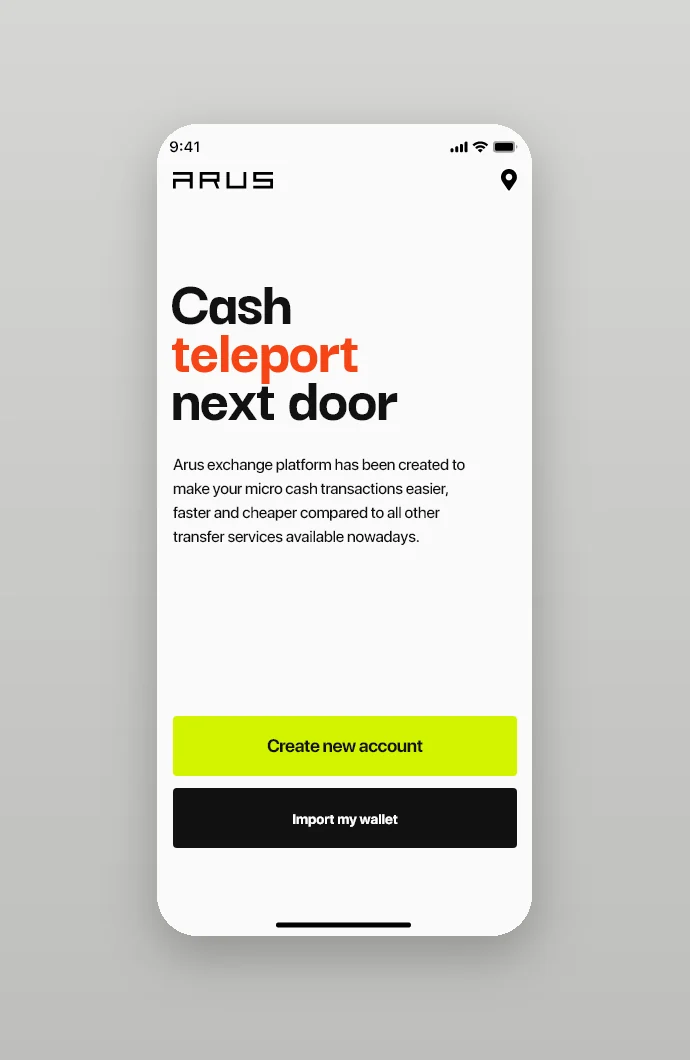
ARUS stands for Authorized Realtime User Swap. The app opens with the line Cash teleport next door and one sentence about the product: an exchange platform created to make micro cash transactions easier, faster and cheaper than other transfer services. We designed the mobile app and the product website in one visual language: white screens, graphite type, acid lime for every action and one red-orange word in the headlines.
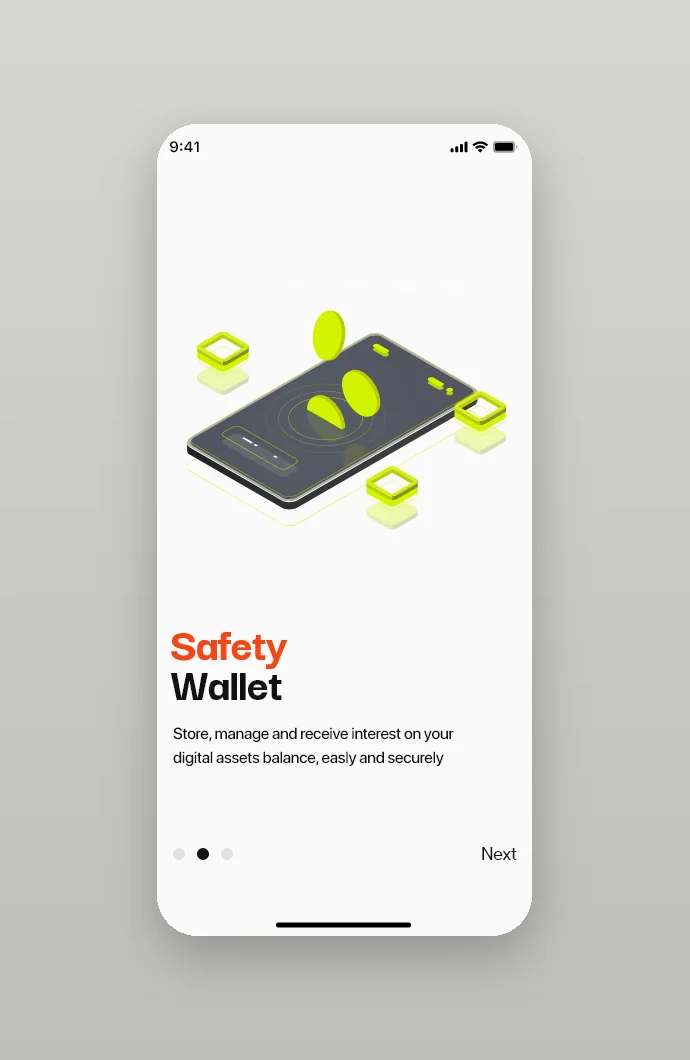
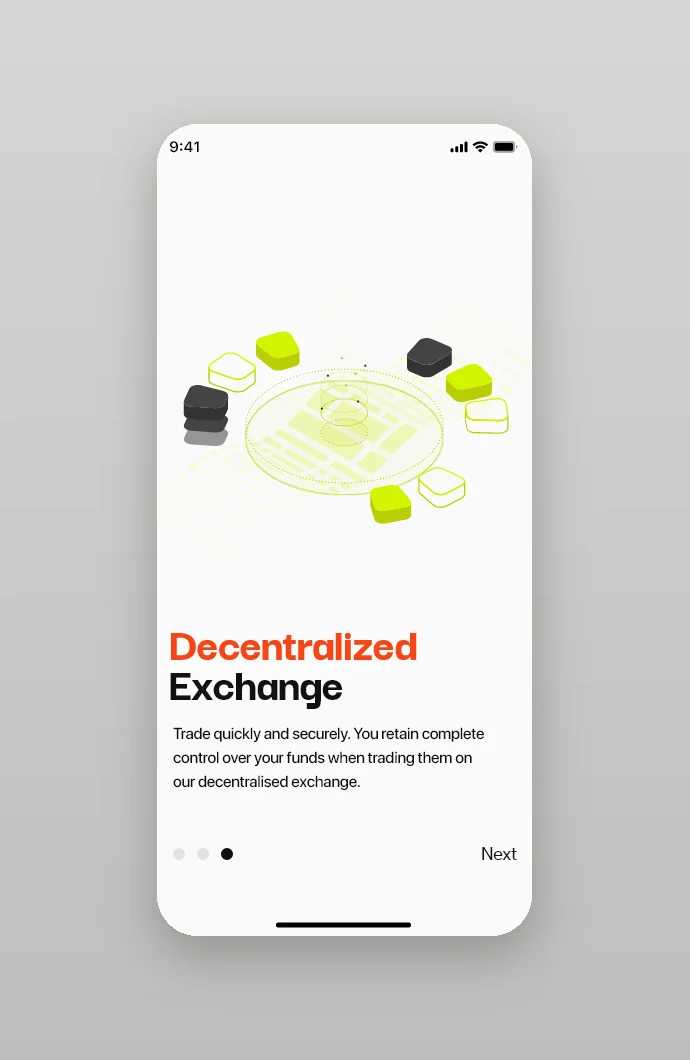
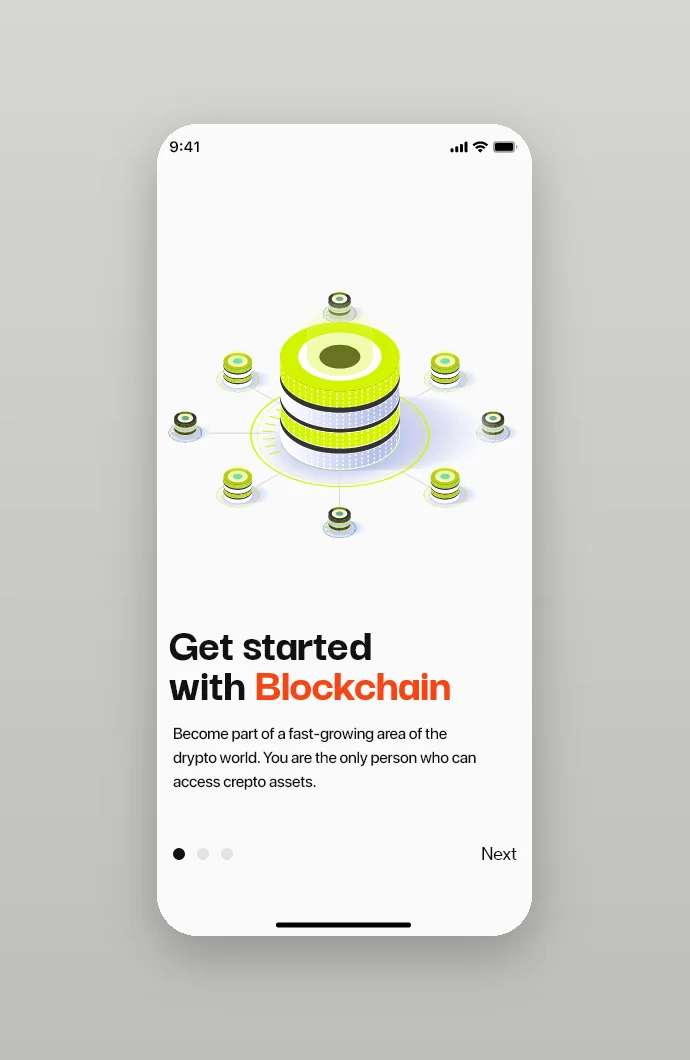
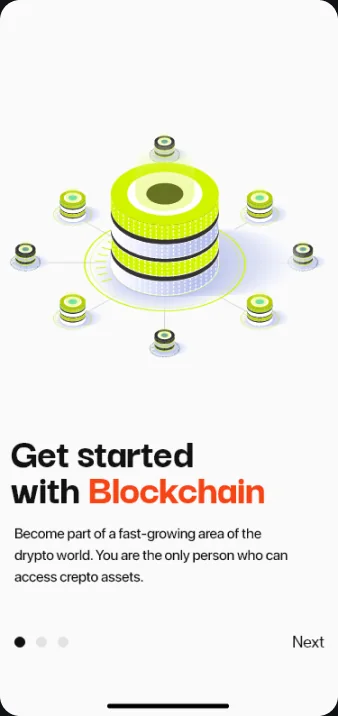
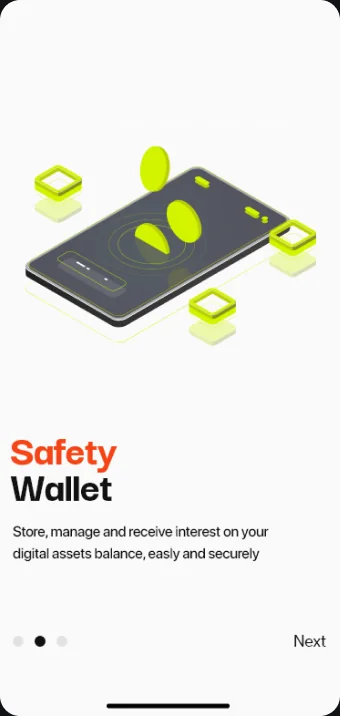
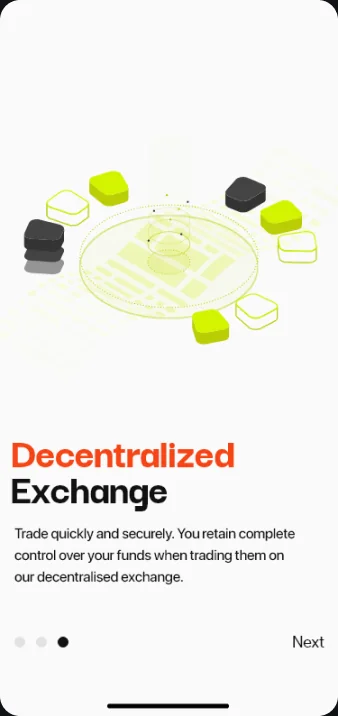
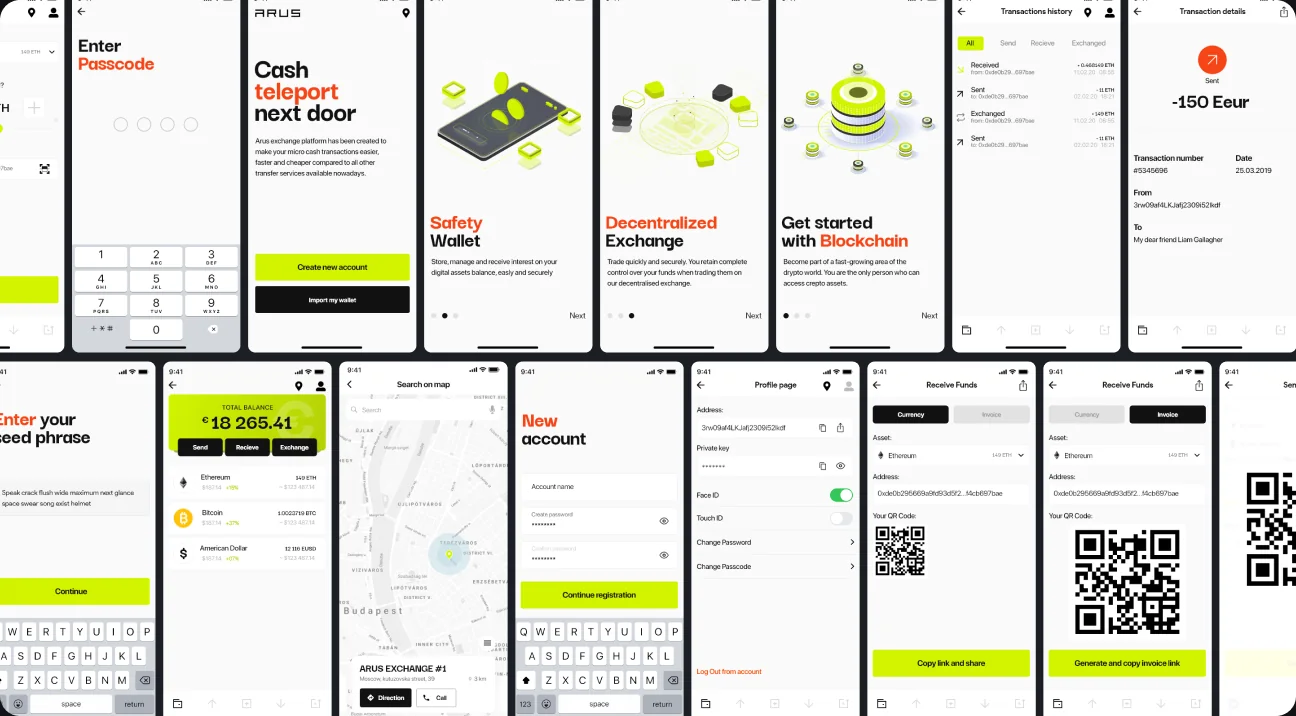
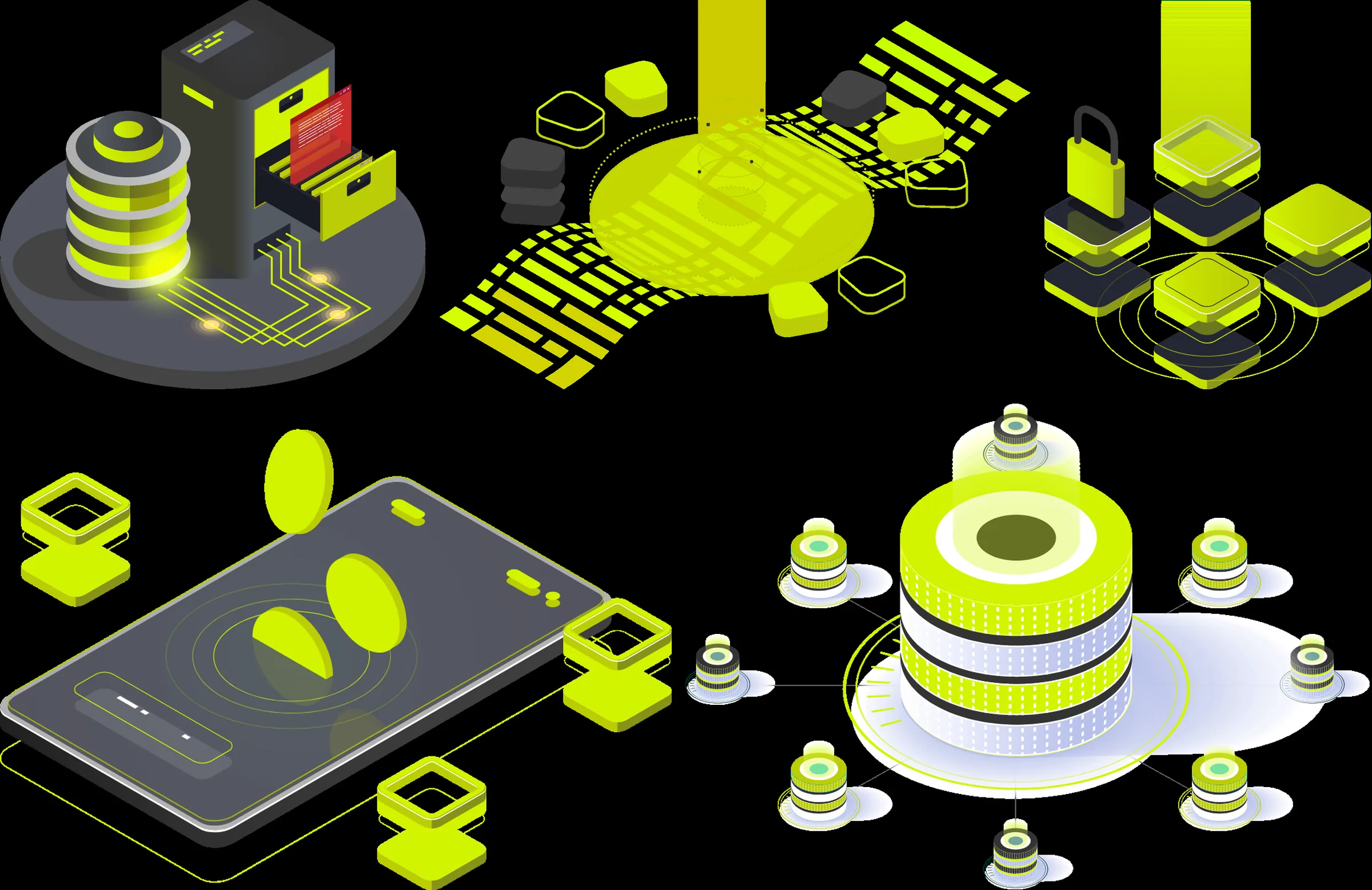
Three onboarding slides say what the app is for. Safety Wallet stores and manages digital assets and pays interest on the balance, Decentralized Exchange leaves the user in full control of their funds while trading, and Get started with Blockchain invites newcomers into crypto. Each slide carries an isometric illustration in lime and graphite, and the welcome screen splits into two paths: create a new account or import an existing wallet.
Sign-up, seed phrase and backup
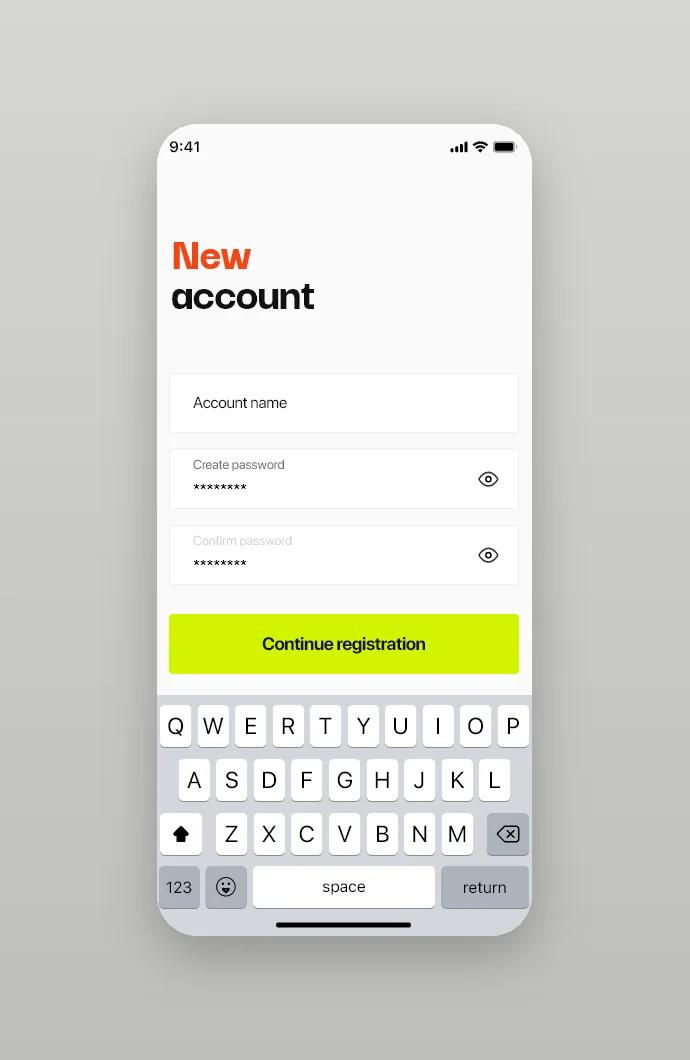
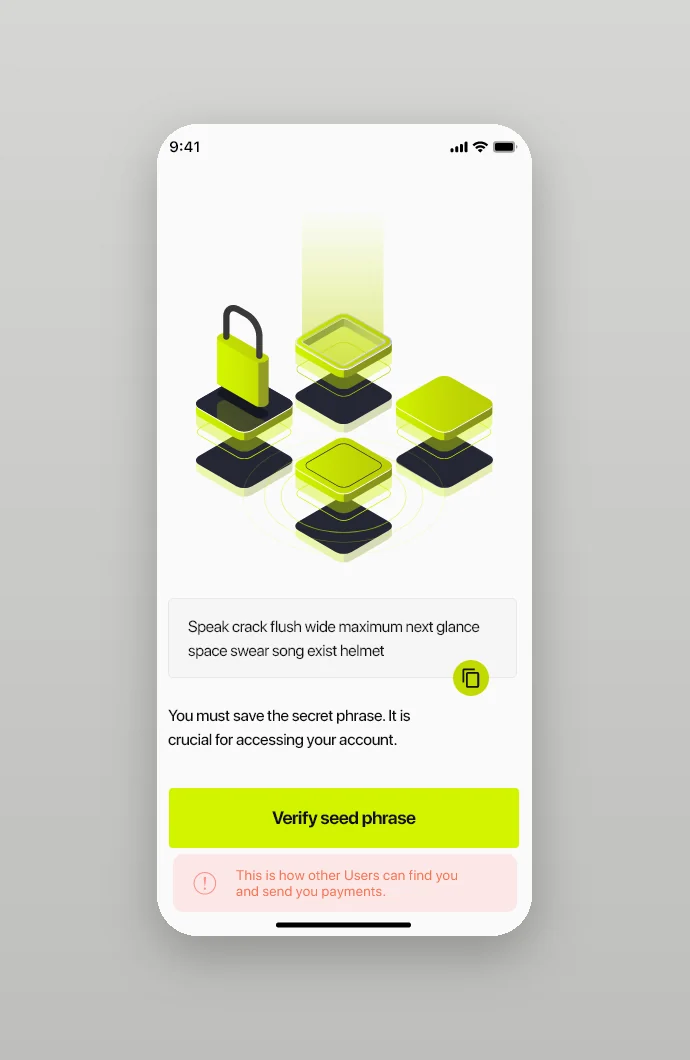
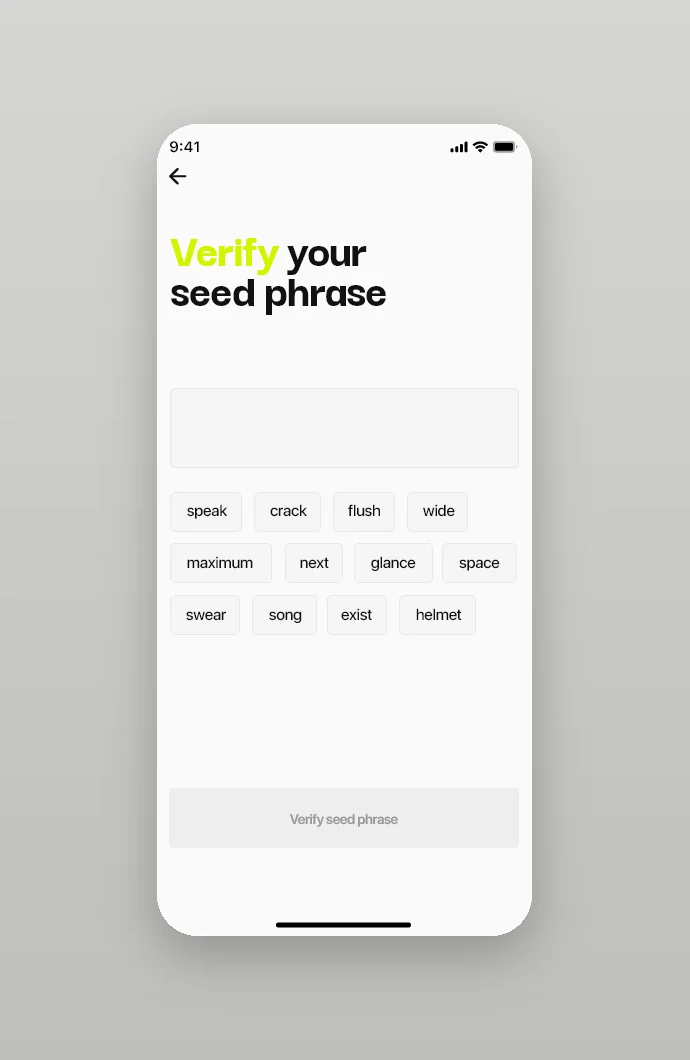
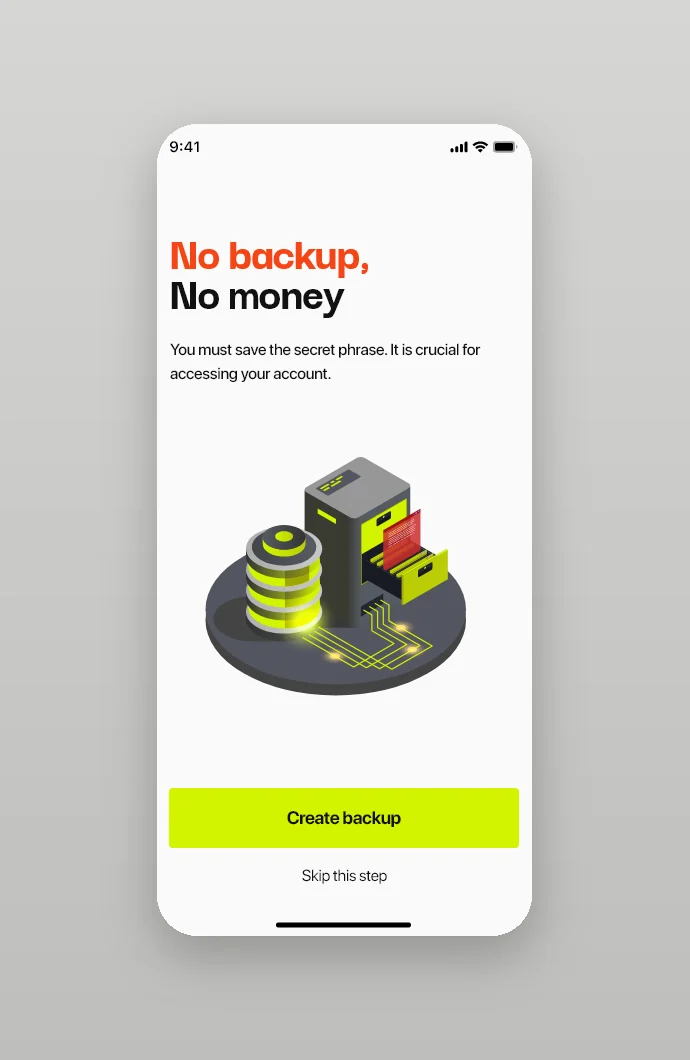
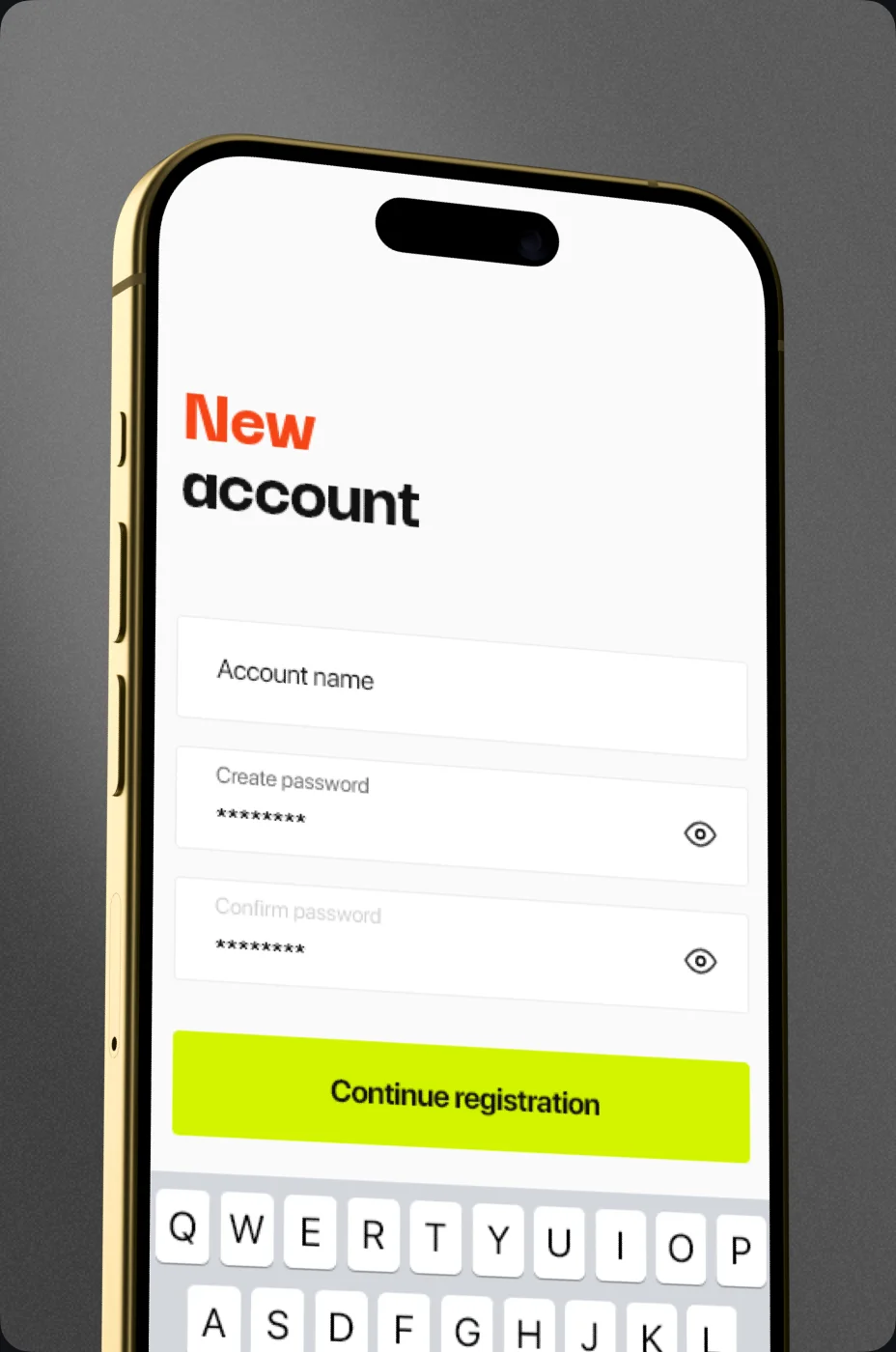
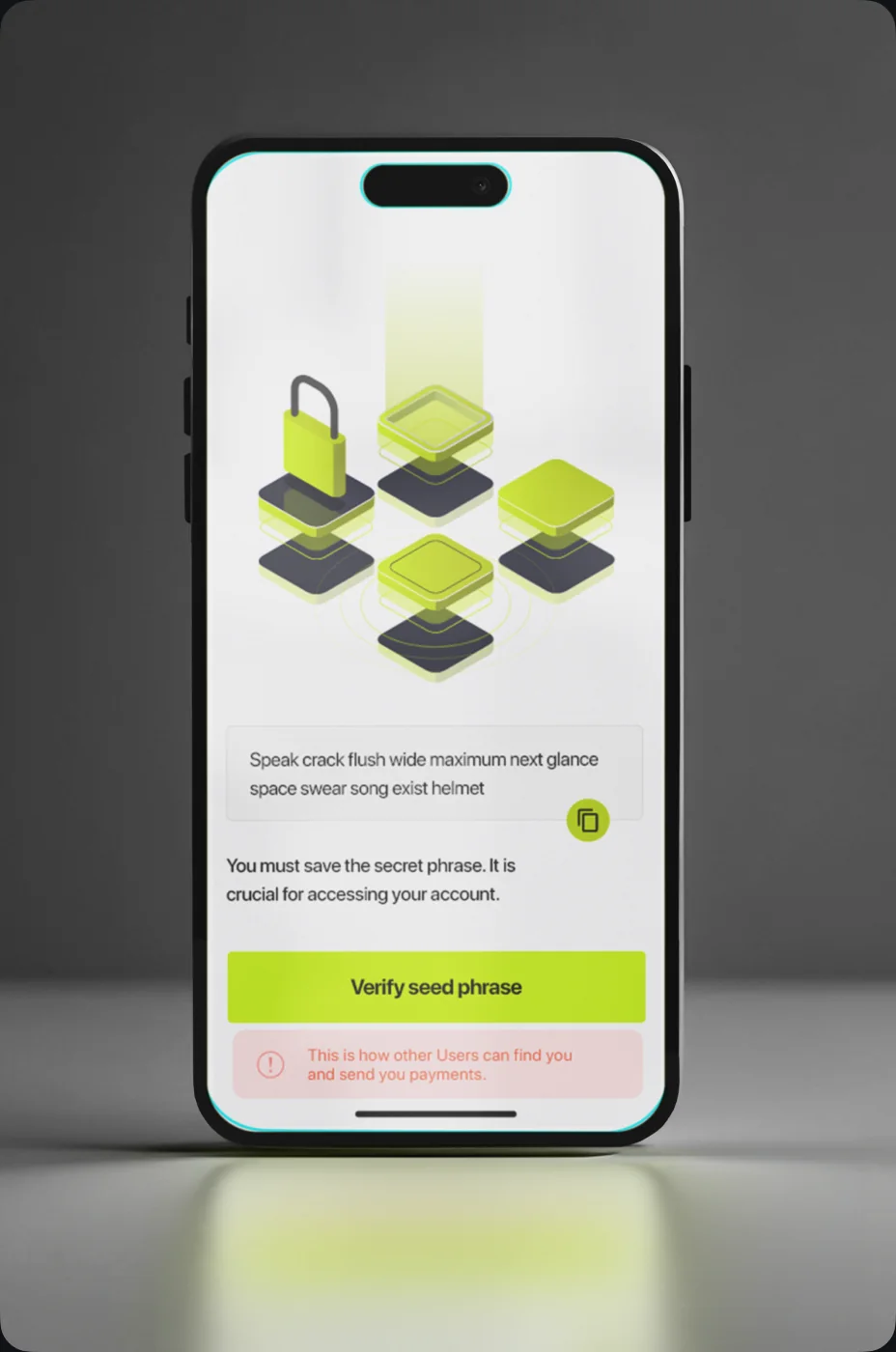
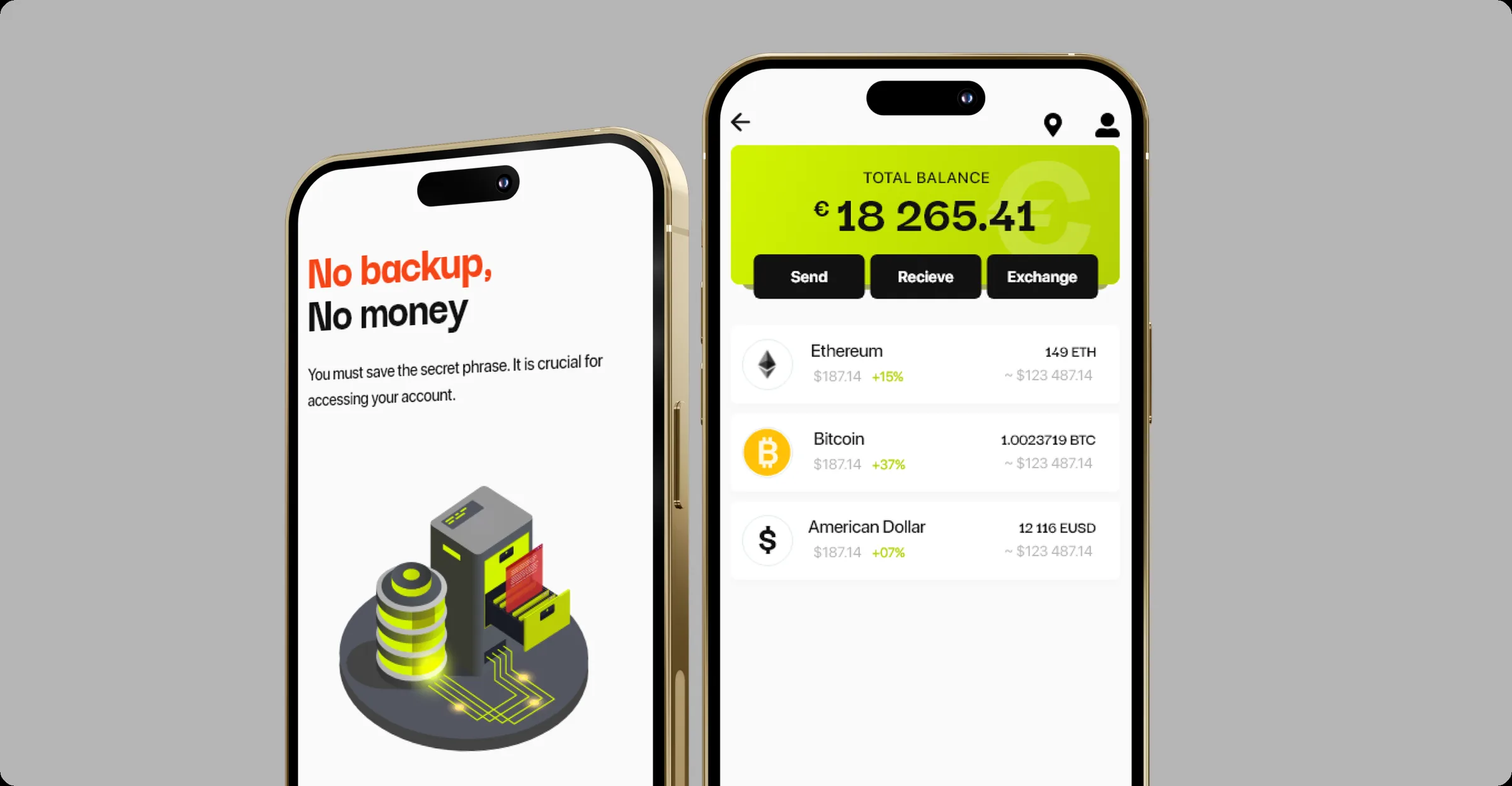
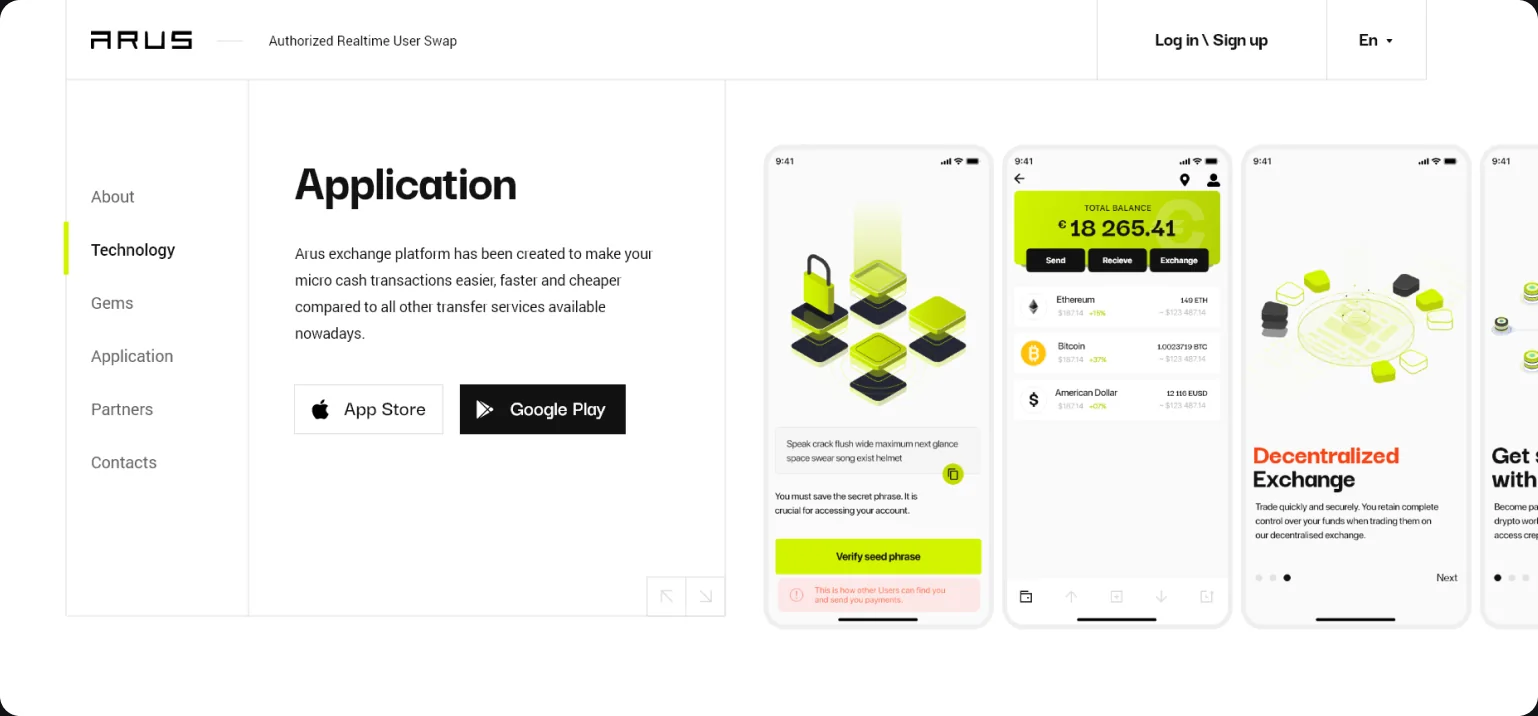
A new account needs a name and a password typed twice. The wallet then shows its twelve-word secret phrase with a copy button and a warning that the phrase is crucial for accessing the account, and asks the user to verify it by tapping the words back in order; a wrong word is underlined in red. A screen headed No backup, No money offers to create a backup, with skipping the step left as a quiet text link.
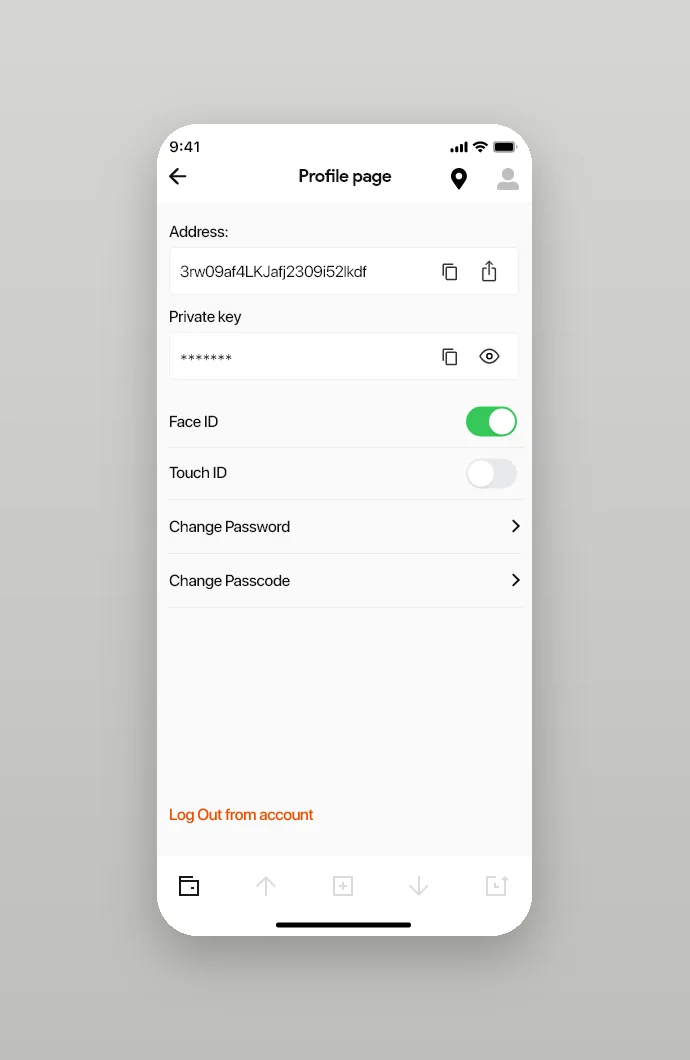
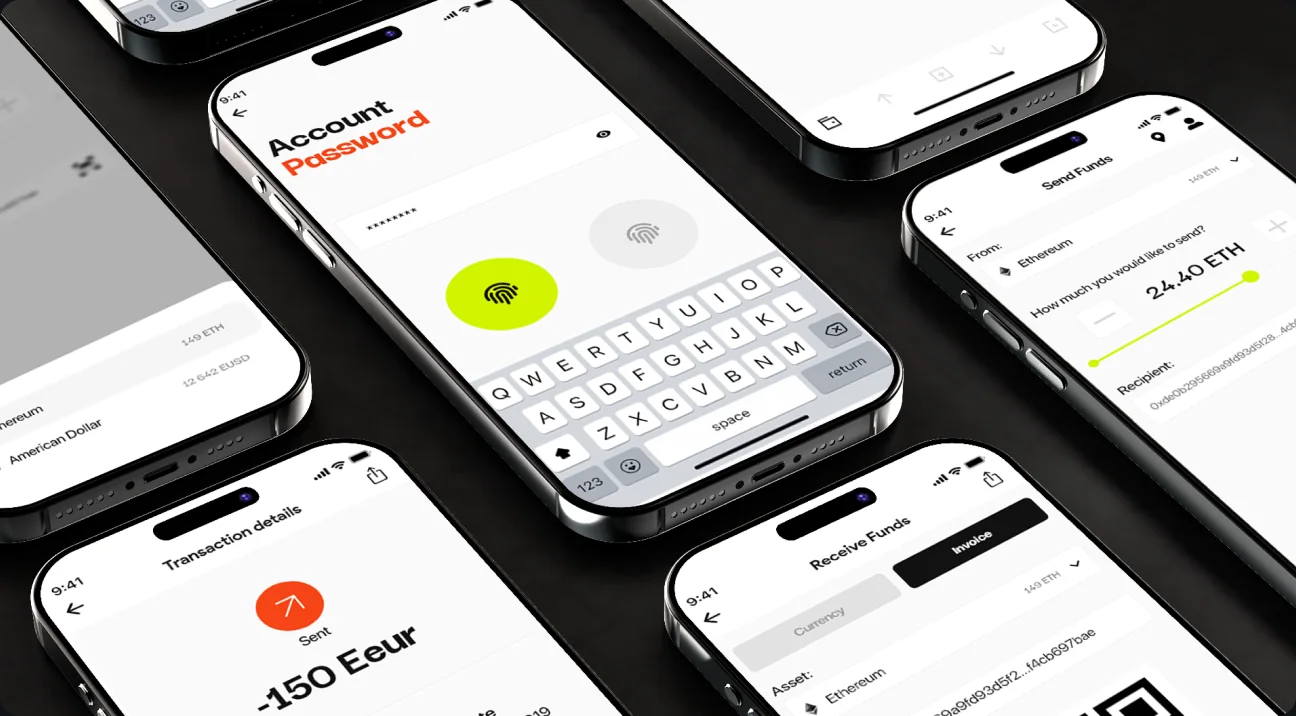
Coming back takes an account password with a fingerprint button or a four-digit passcode. The profile holds the wallet address, the private key hidden behind an eye icon, switches for Face ID and Touch ID and the options to change the password and the passcode.
Balance, transfers, invoices and exchange points
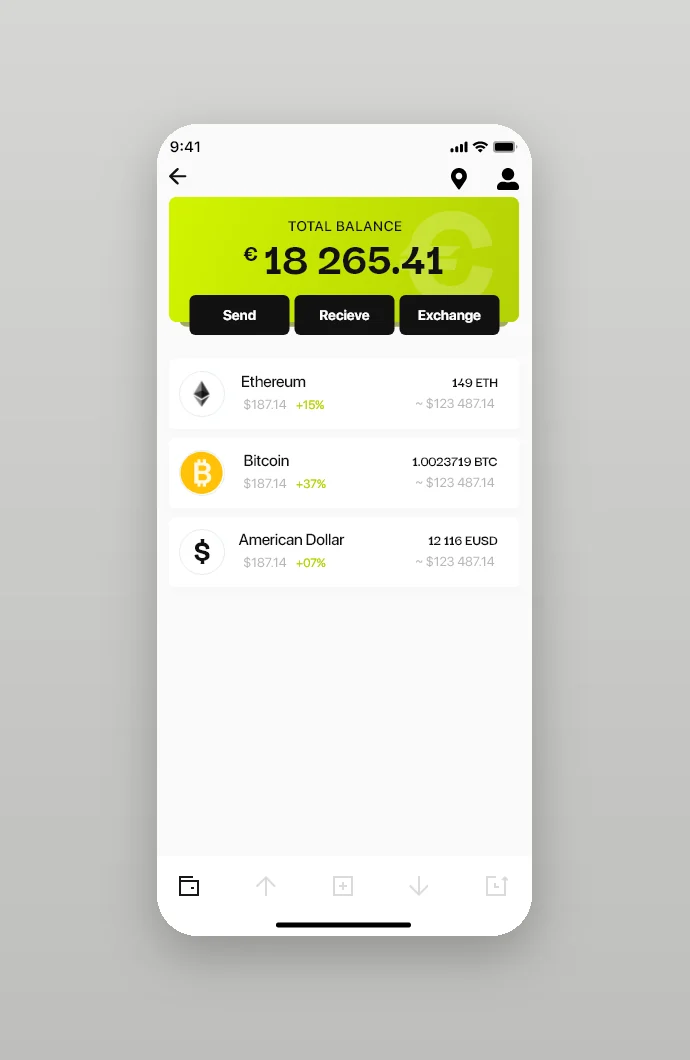
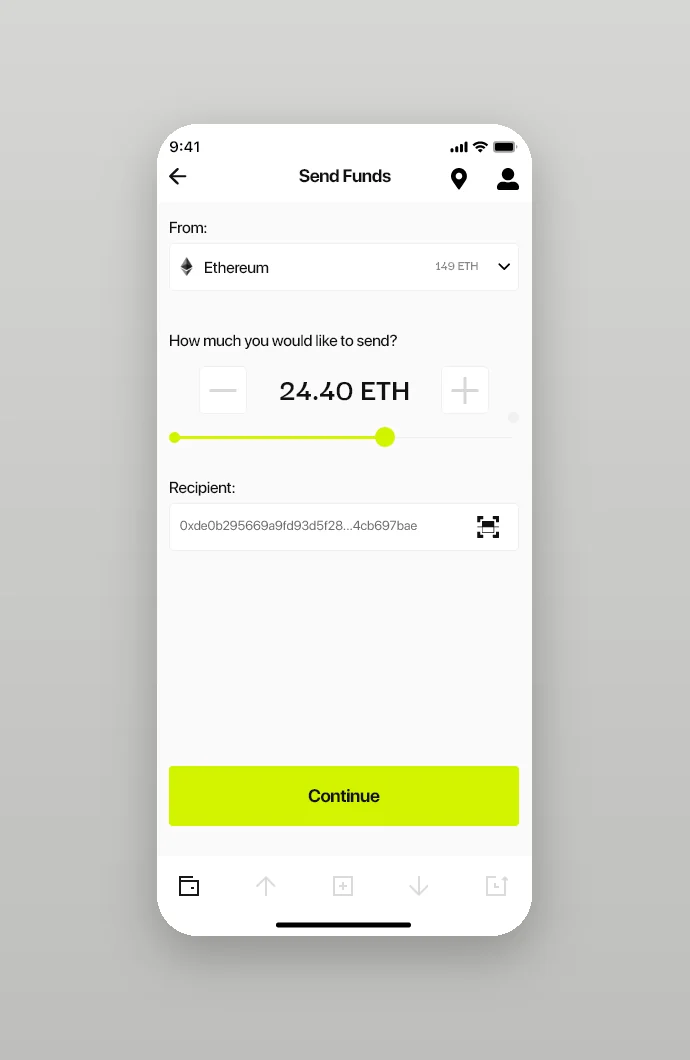
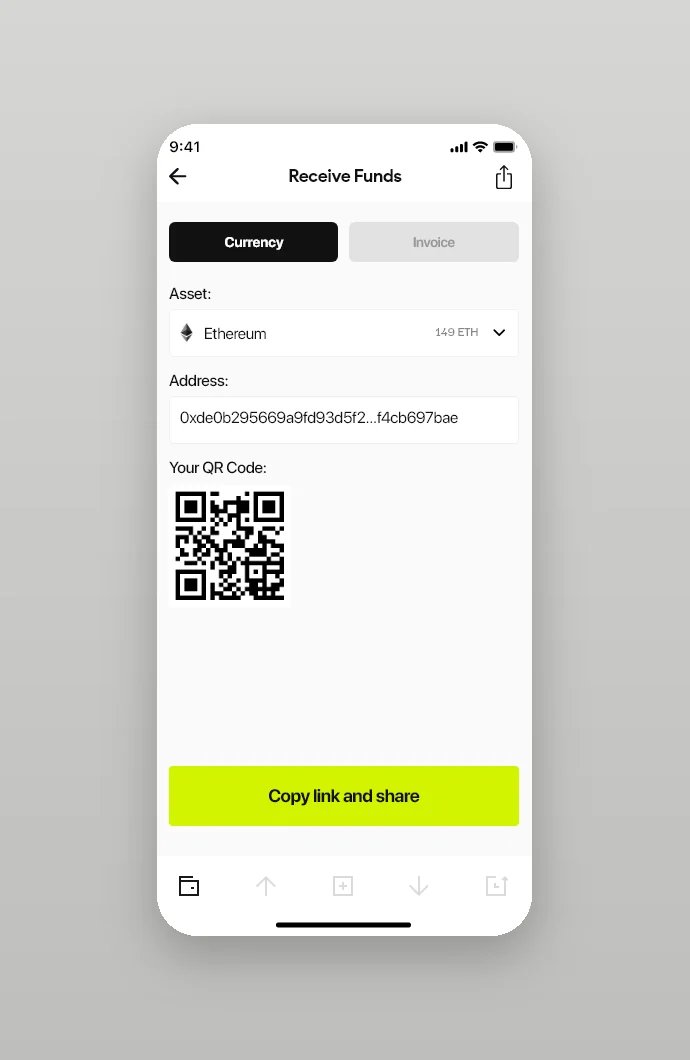
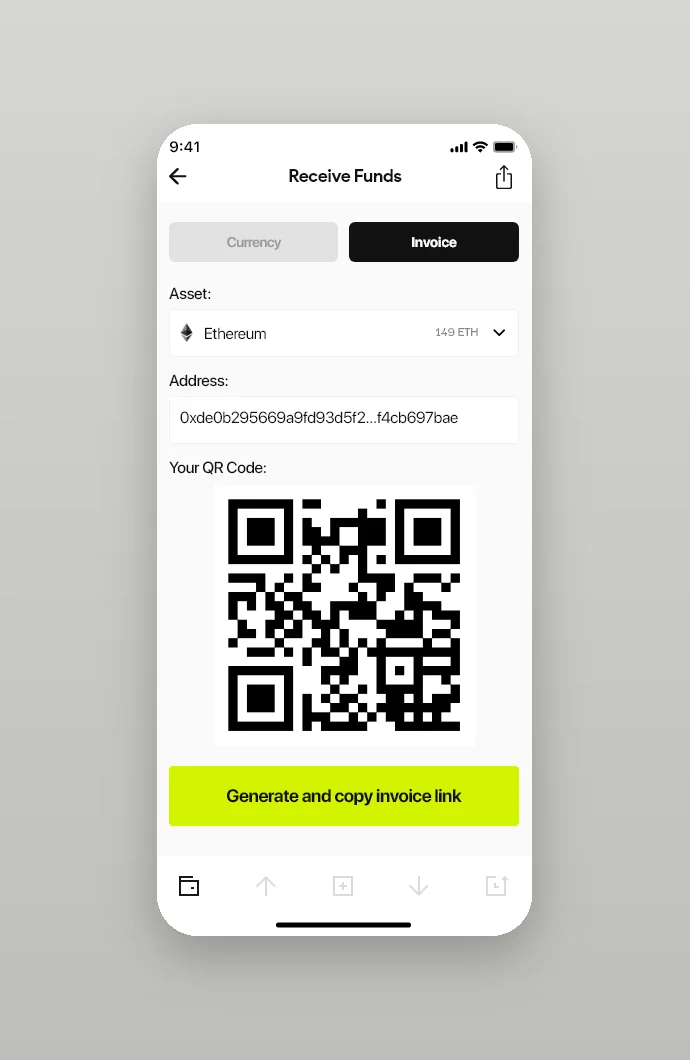
The main screen is a lime card with the total balance and three actions, Send, Receive and Exchange, above the assets: Ethereum, Bitcoin and American Dollar, each with its value and change in percent. Sending picks an asset, sets the amount with a slider or plus and minus buttons and takes the recipient's address typed in or scanned from a QR code. Receiving has two tabs: share an address and its QR code, or generate and copy an invoice link.
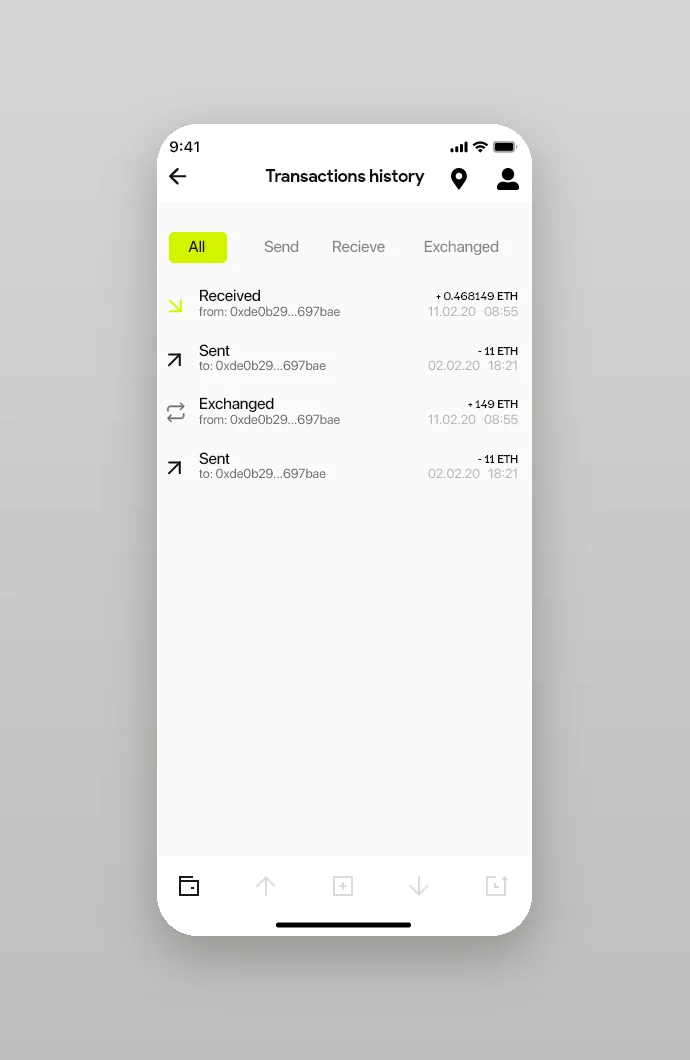
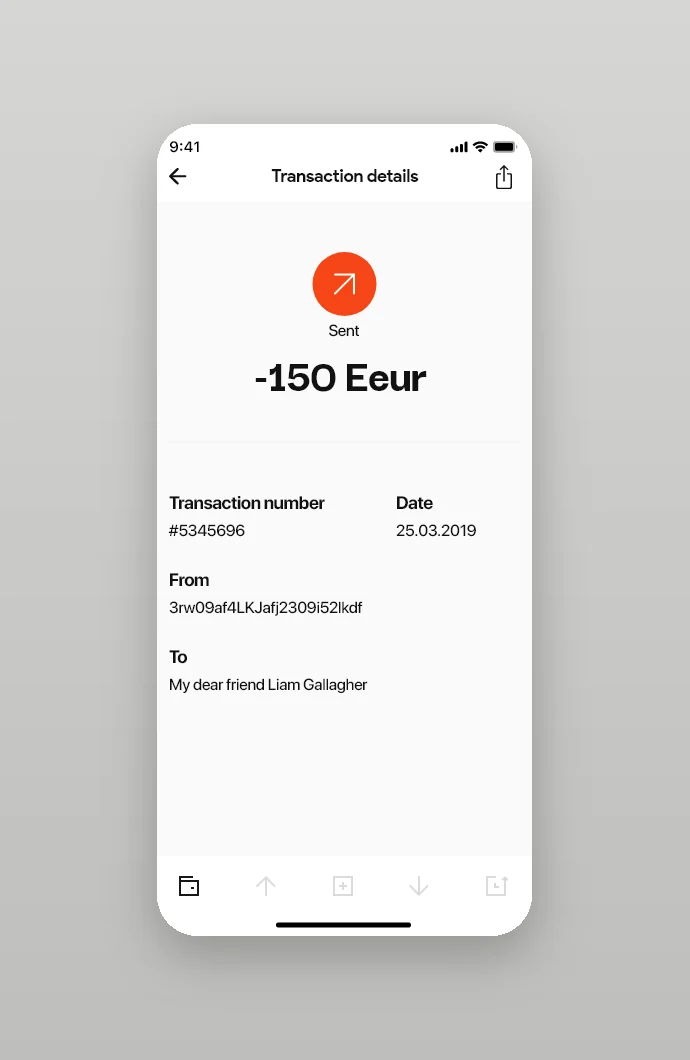
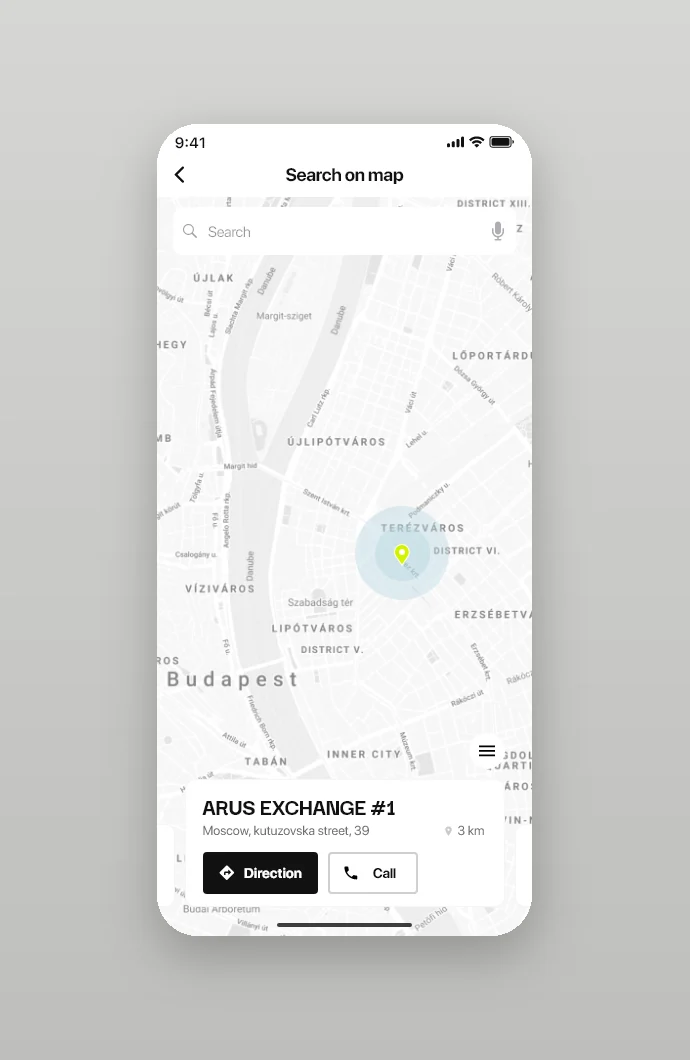
History sorts transactions into all, sent, received and exchanged, and each one opens a receipt with its number, date, sender and recipient. A Choose Account screen switches between wallets, and a map search lists ARUS exchange points nearby with the distance and buttons for directions and a call.
Product website: four questions before the app
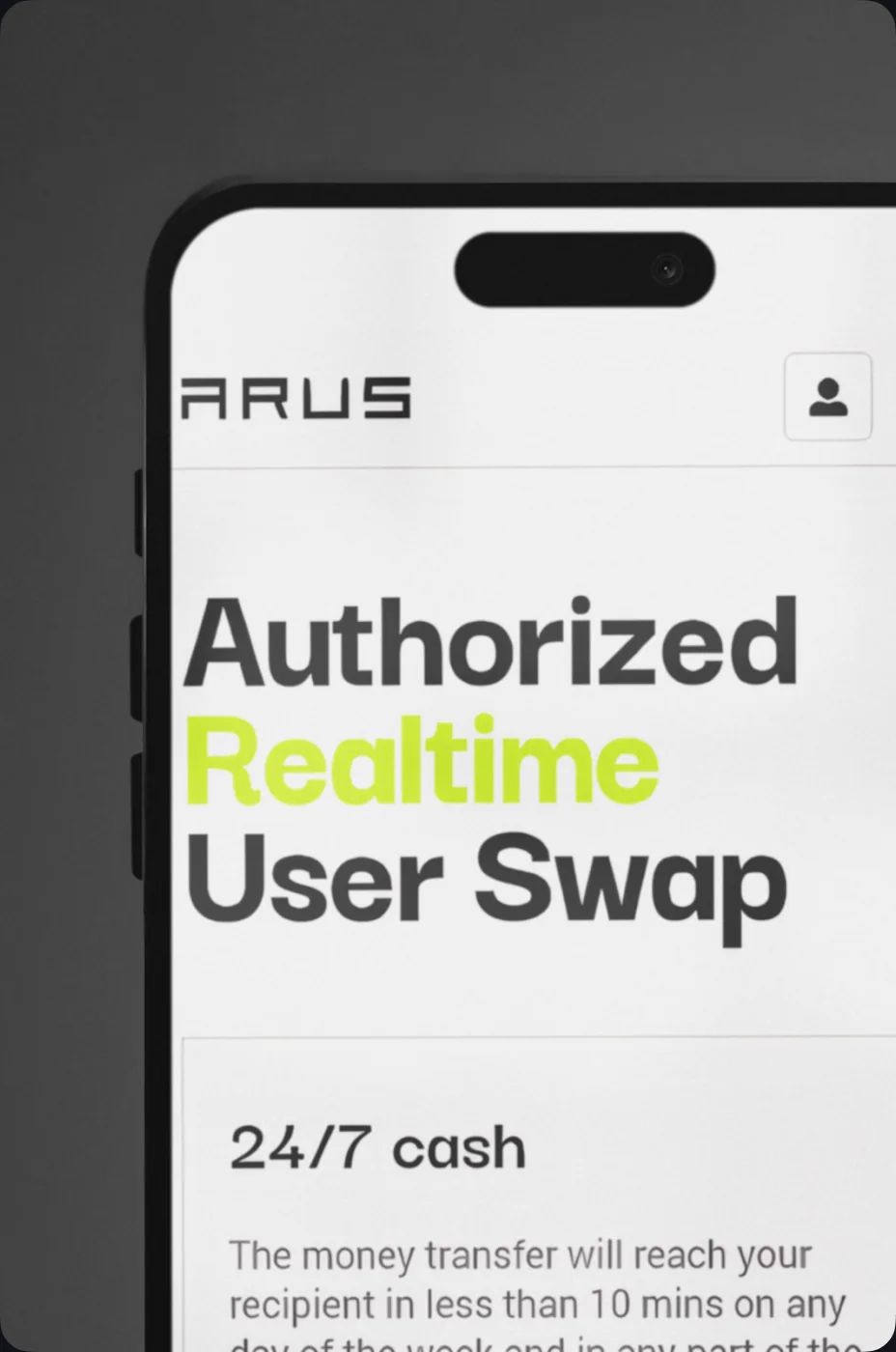
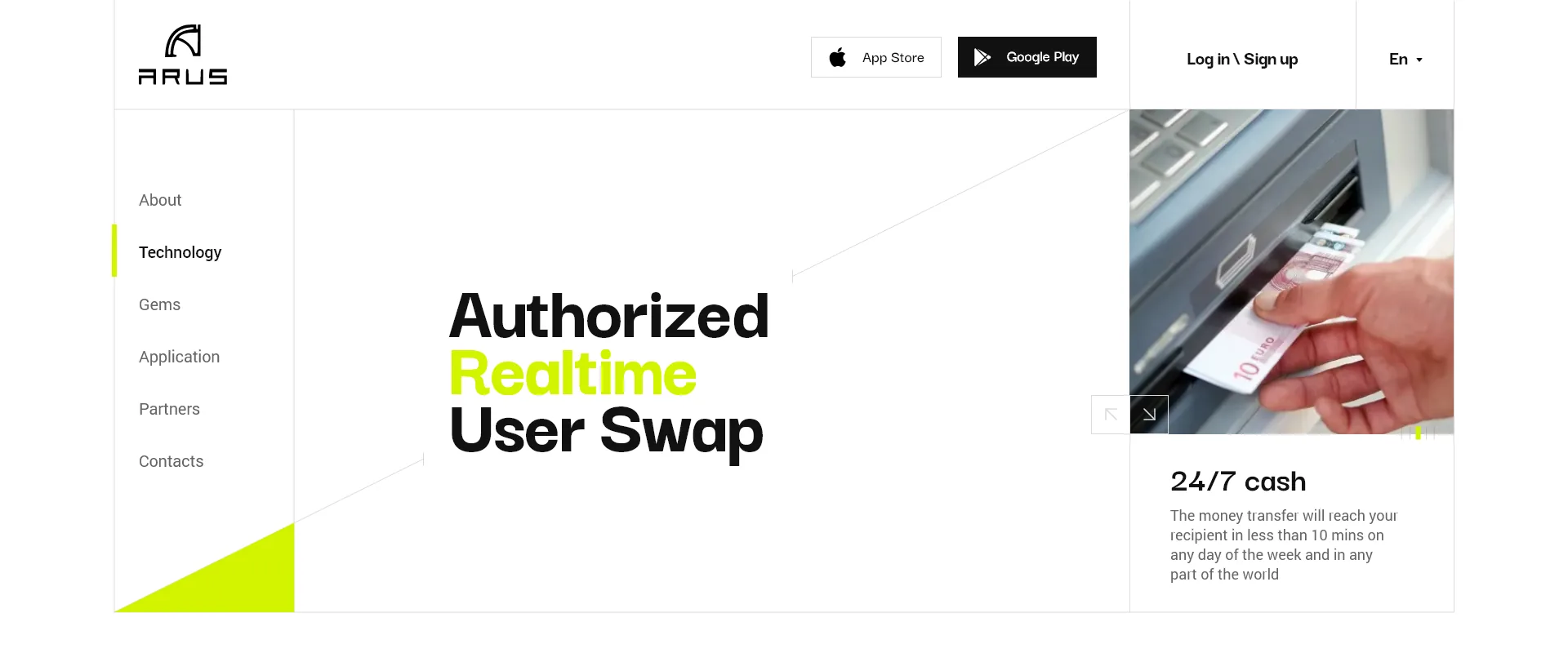
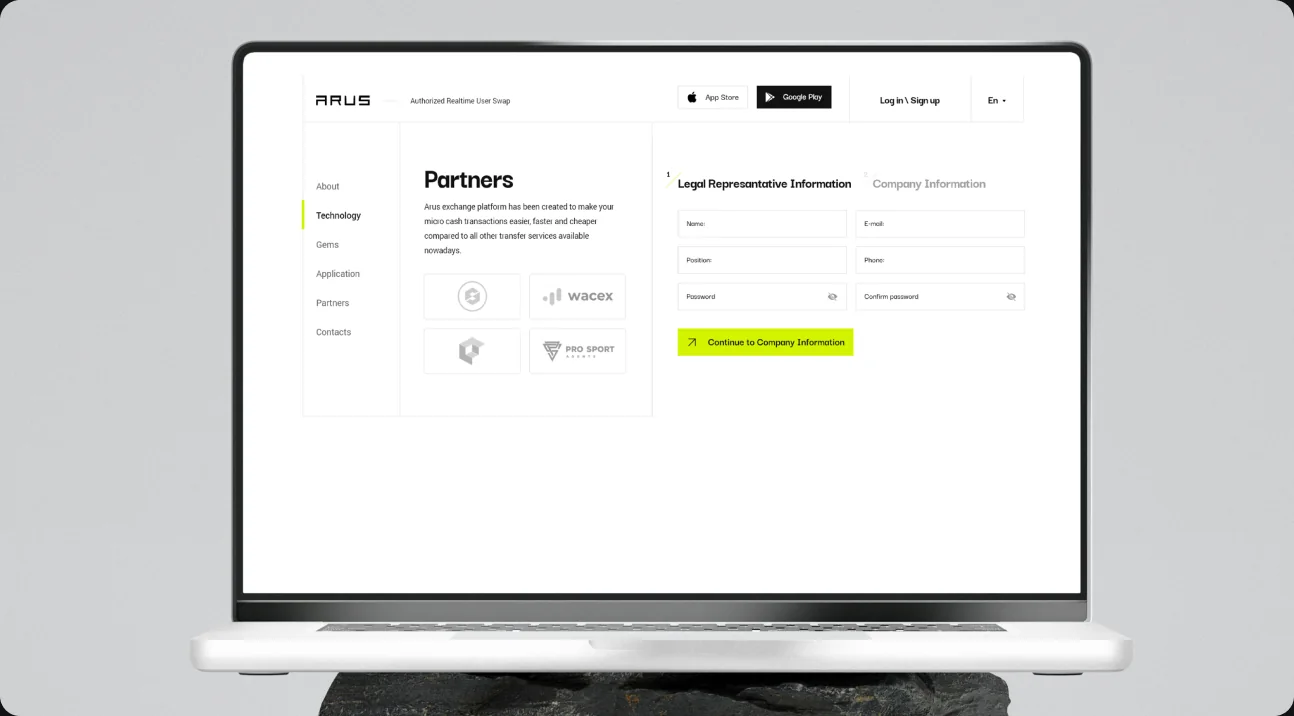
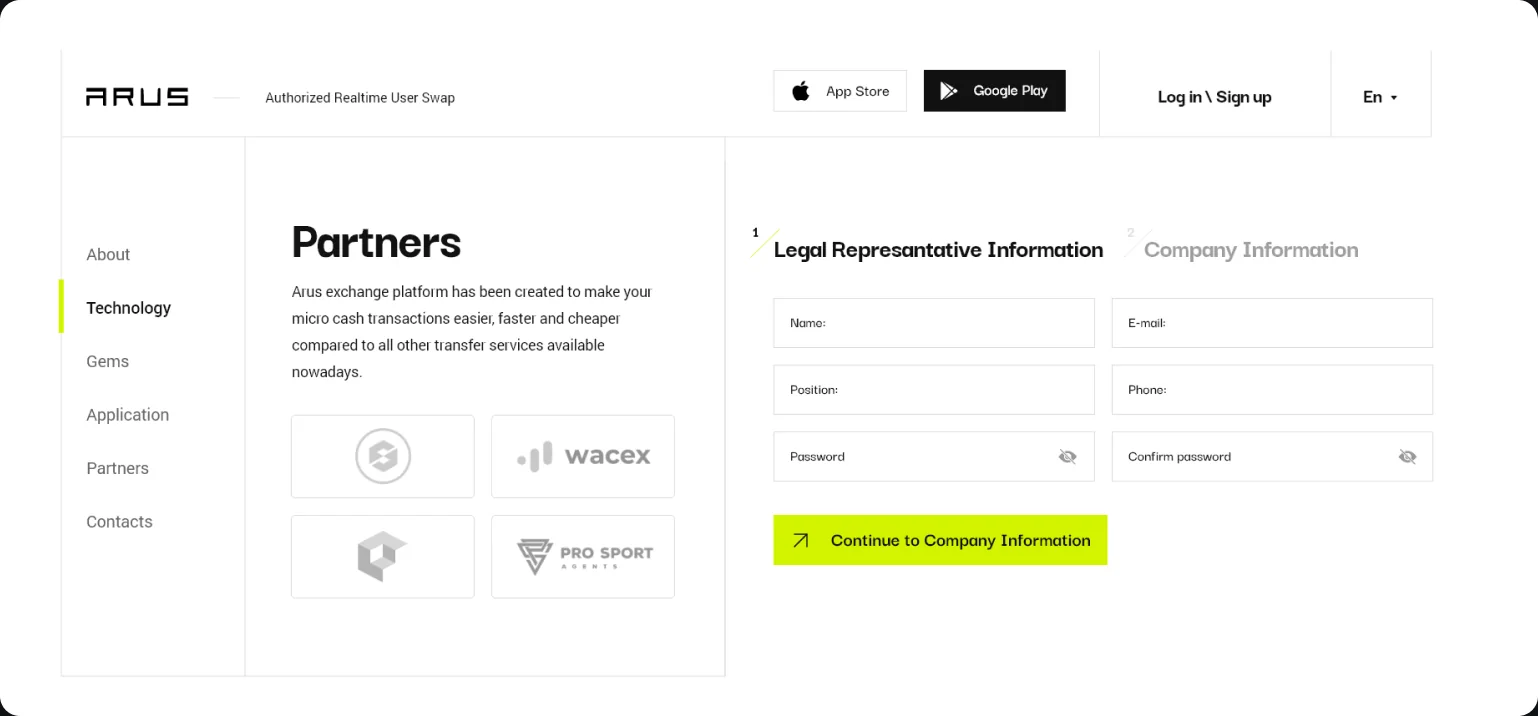
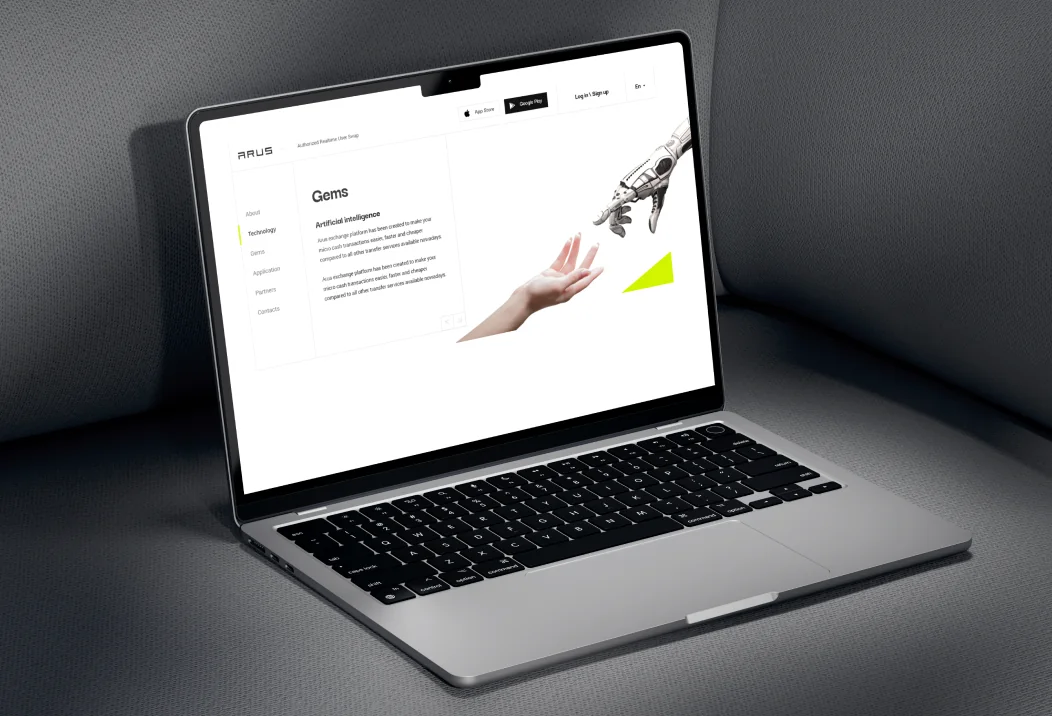
The website keeps the app's palette and frames every section in thin grey lines. The header carries the ARUS wordmark with the full name Authorized Realtime User Swap, App Store and Google Play buttons, sign-in and a language switch, and a menu on the left leads to About, Technology, Gems, Application, Partners and Contacts. The first screen sets the name in large type over a lime triangle next to a photo slider; its first card promises 24/7 cash, a transfer that reaches the recipient in less than ten minutes on any day and in any part of the world.
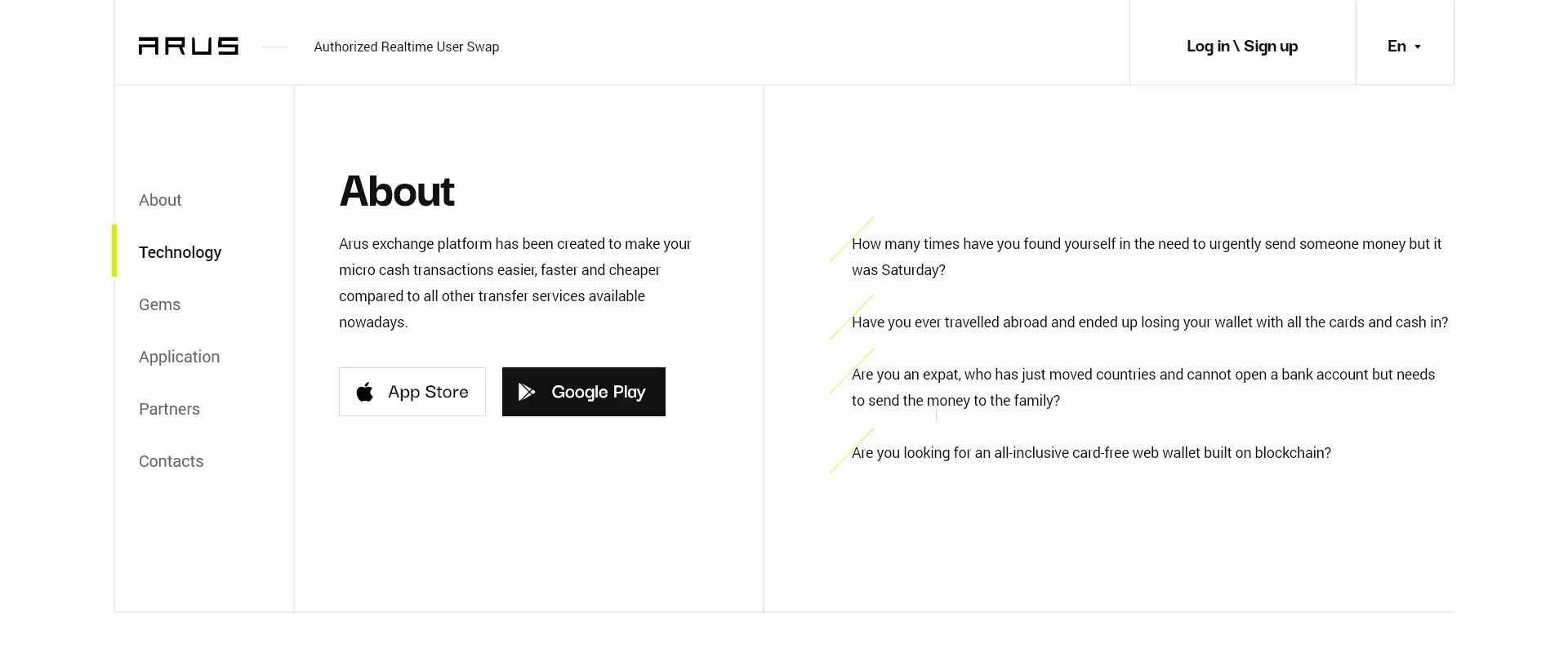
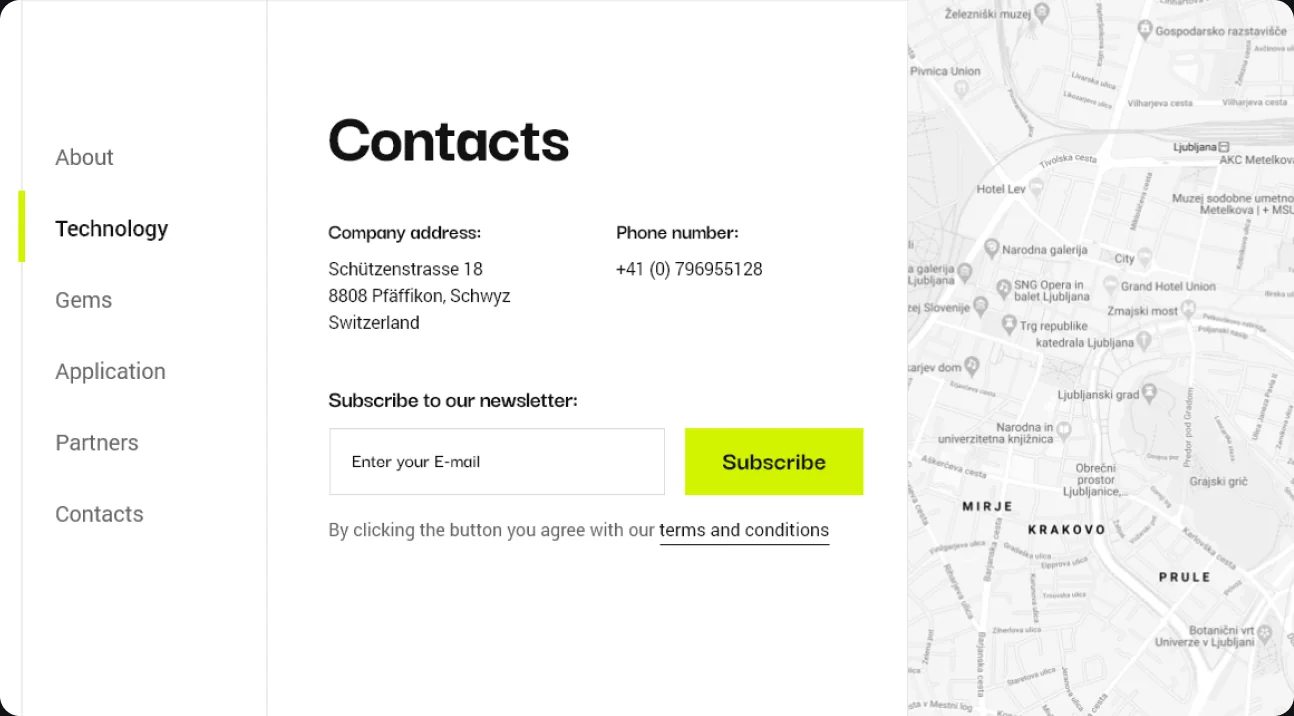
About does not list features; it asks four questions: whether you have needed to send money urgently on a Saturday, lost a wallet with all the cards and cash while travelling, moved country without a bank account but still need to send money to family, or want a card-free web wallet built on blockchain. Further sections show the app on phones, an artificial intelligence block, a partners page where companies apply in two steps, legal representative first and company second, and contacts with a newsletter sign-up and a map.
Isometric illustrations in lime and graphite
Every key moment of the app has its own isometric illustration in acid lime and graphite: a server with an open file drawer for the backup, a padlock among glowing tiles for the seed phrase, a phone with coins for the wallet, a block map with tokens for the exchange and a coin stack wired to smaller ones for the blockchain. On the white app screens they appear in lighter tints; in the presentation they stand on black.
Project facts
- Client
- ARUS (Authorized Realtime User Swap), a crypto wallet and exchange platform for micro cash transfers
- Industry
- Fintech, crypto payments and exchange
- Platform
- Mobile app (iPhone), website (desktop)
- Services
- Mobile app UX/UI design, website UX/UI design
- Deliverables
- App screens for onboarding, sign-up and sign-in with password, passcode and fingerprint, the seed phrase with its verification and backup, balance, send, receive and invoice with QR codes, transaction history and receipts, account switching, a map of exchange points and the profile; website sections from the home screen and About to Application, Gems, Partners with a two-step partner application and Contacts; device mockups
- More work in
- Mobile Applications, UX/UI Web Design
Questions about this project
What is ARUS?
ARUS, short for Authorized Realtime User Swap, is a crypto wallet and exchange. Its own line is Cash teleport next door: the platform was created to make micro cash transfers easier, faster and cheaper than other transfer services, and its website promises transfers that reach the recipient in less than ten minutes on any day.
What did thelegacy design for ARUS?
The mobile app, from onboarding and sign-up through the seed phrase and backup to the wallet, transfers, invoices, history and a map of exchange points, and the product website with its home screen and the About, Application, Partners and Contacts sections.
How does the ARUS app protect access to a wallet?
The wallet shows a twelve-word secret phrase and asks the user to verify it by tapping the words back in order, then pushes for a backup on a screen headed No backup, No money. Day to day the app opens with a password and fingerprint or a four-digit passcode, Face ID and Touch ID switch on in the profile, and the private key stays hidden until the user reveals it.
How does the ARUS website explain the product?
It starts from situations rather than features: an urgent transfer on a Saturday, a wallet lost abroad, an expat without a bank account and the wish for a card-free web wallet on blockchain. Then it shows the app, the promise of 24/7 cash and a page where partner companies apply in two steps.